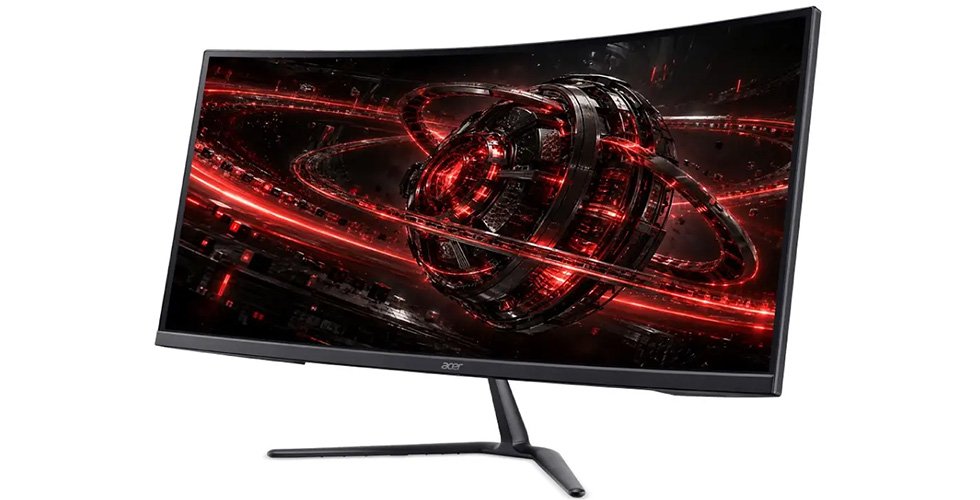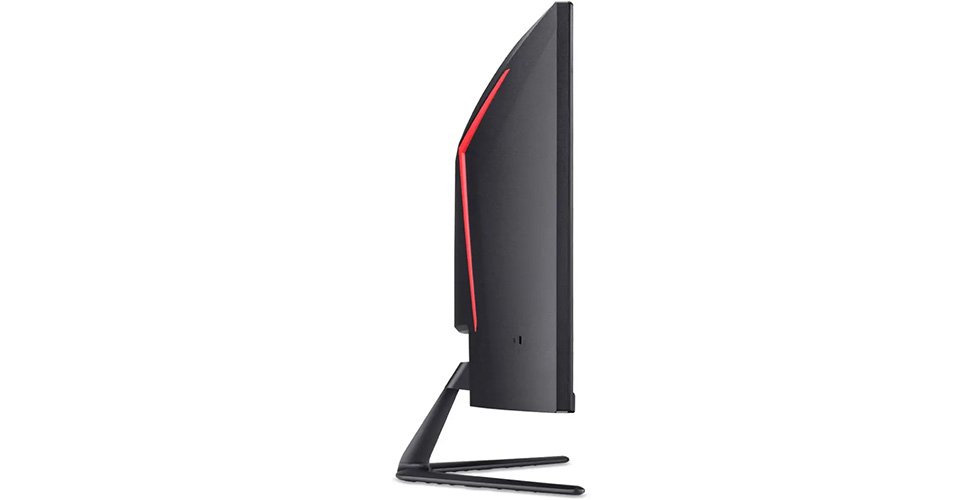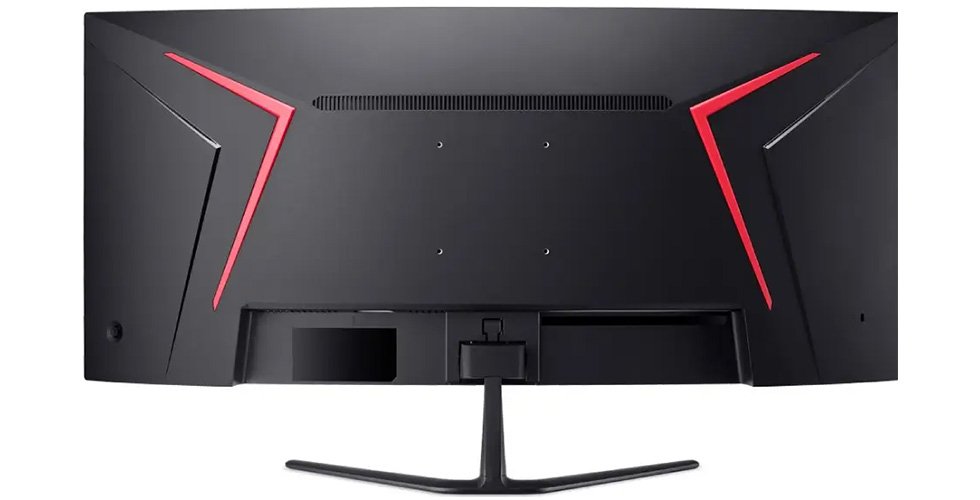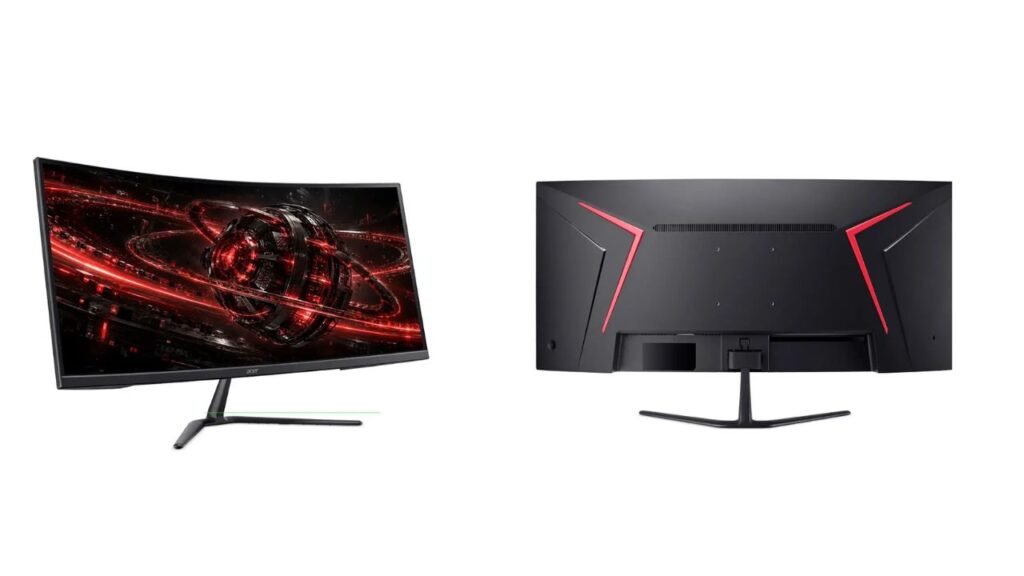
Acer has introduced two 34-inch curved gaming monitors, the Nitro ED340CKR Pbmiipx and Jbmiipx. Both use a 1500R VA panel with a 5120 x 2160 resolution and Acer’s DFR (Dynamic Frequency and Resolution) technology, which lets you switch between a sharp 5K2K mode and a faster, lower-resolution mode. The Pbmiipx reaches 180Hz (360Hz in dual mode) and the Jbmiipx 120Hz (240Hz in dual mode). USD price and India availability are not confirmed yet.
Key Specs
| Spec | Pbmiipx | Jbmiipx |
|---|---|---|
| Panel | 34-inch curved VA (1500R), W-LED, matte 3H | Same |
| Resolution | 5120 x 2160 (about 163 ppi) | Same |
| Refresh rate (5K2K mode) | 48Hz to 180Hz | 48Hz to 120Hz |
| Dual mode (WFHD, 2560 x 1080) | Up to 360Hz | Up to 240Hz |
| Response time | 1 ms, 0.5 ms with VRB | 1 ms with VRB |
| Brightness | 250 nits | 250 nits |
| Static contrast | 3300:1 | 3000:1 |
| Dynamic contrast | 100,000,000:1 | 100,000,000:1 |
| Color | 8-bit + FRC (10-bit), 90% DCI-P3 | Same |
| HDR | HDR10 | HDR10 |
| Sync | AMD FreeSync Premium | AMD FreeSync Premium |
| Inputs | 2 x HDMI 2.1, 1 x DisplayPort 1.4 | Same |
| Speakers | 2 x 2 W | 2 x 2 W |
| Stand | Tilt only (-5° to 20°) | Same |
| Average / max power | 31 W / 90 W | Same |
| Weight with stand | 6.5 kg | 6.5 kg |
| Price (USD) | Not confirmed yet | Not confirmed yet |
| India price | Not confirmed yet | Not confirmed yet |
What’s Different Between the Two
| Feature | Pbmiipx | Jbmiipx |
|---|---|---|
| 5K2K refresh | 180Hz | 120Hz |
| WFHD dual mode | 360Hz | 240Hz |
| Static contrast | 3300:1 | 3000:1 |
| Response time | 1 ms, 0.5 ms VRB | 1 ms VRB |
| Box cable | DisplayPort | DisplayPort and HDMI |
Everything else is identical, including the panel, size, stand and ports. Acer’s earlier models are not covered in the published data, so no generational comparison is possible.
DFR: Two Monitors in One
According to Acer, DFR lets you pick a mode based on the task. In 5K2K mode, you get a very sharp image at 163 ppi, which suits work, editing and slower games. In DFR mode, the screen drops to 2560 x 1080 (WFHD) but runs at a much higher refresh rate, which suits fast shooters.
The idea is practical. Few graphics cards can push 5K2K at very high frame rates, so a lower-resolution mode makes high refresh rates usable. The trade-off is that WFHD on a 34-inch screen looks softer, since each pixel is larger. We have not tested the mode switch, so how smooth it is in daily use remains to be seen.
Performance in Real Use
Gaming. Acer lists FreeSync Premium, Motion Blur Reduction, Black Boost (which lifts visibility in dark scenes) and GameView presets. Response time is 1 ms, with 0.5 ms through VRB (Visual Response Boost). VRB is a blur-reduction setting, so these figures are not the same as standard GTG measurements, and the exact measurement method is not confirmed yet. VA panels can also show smearing in dark scenes, so we expect real behavior to vary.
Work and creative use. 5120 x 2160 at 34 inches gives a lot of room for timelines, spreadsheets and side-by-side windows. Color is 8-bit + FRC (a method that mimics 10-bit) with 90% DCI-P3 coverage. sRGB coverage and Delta E (color error) are not listed, so accuracy is unknown.
Movies and HDR. The 21:9-style shape suits films, and 3300:1 contrast (3000:1 on the Jbmiipx) is better than typical IPS. HDR10 is listed, but at 250 nits we expect little real HDR effect. No DisplayHDR certification is listed. The 100,000,000:1 dynamic contrast is a marketing figure that depends on backlight dimming and is not a real-world measure.
Eye comfort. Acer VisionCare includes BlueLightShield, Flicker-less technology and Low Blue Light.
Connectivity and Ergonomics
Both models have two HDMI 2.1 ports and one DisplayPort 1.4. According to Acer, this allows full use of the high refresh rates. We would still check, since DisplayPort 1.4 has limited bandwidth for 5120 x 2160 at 180Hz without compression, and compression support is not listed. Which input supports which mode is not confirmed yet.
Two 2 W speakers and a headphone jack are included. No USB ports or USB-C input are listed.
The stand is basic. It tilts from -5 to 20 degrees and has no height adjustment, swivel or pivot. It is removable and supports 100 x 100 mm VESA, so a monitor arm can fix this. Both models weigh 6.5 kg with the stand.
Pros and Cons
Pros
- 5K2K resolution gives about 163 ppi, much sharper than 1440p ultrawides.
- DFR mode offers 360Hz (Pbmiipx) or 240Hz (Jbmiipx) for fast games.
- VA contrast of 3000:1 to 3300:1 beats typical IPS.
- Two HDMI 2.1 ports and FreeSync Premium.
Cons
- 250 nits is dim for HDR and bright rooms.
- Tilt-only stand with no height adjustment.
- No USB hub or USB-C input is listed.
- Price, DisplayPort bandwidth details and VRB measurement method are not confirmed yet.
Who Should Buy Which
Pbmiipx: players who want the highest refresh rates in both modes and the best contrast of the pair.
Jbmiipx: buyers who want the dual-mode idea at likely lower cost (price not confirmed) and do not need 180Hz at 5K2K. It also ships with an HDMI cable in the box.
Skip both if you want a height-adjustable stand, bright HDR, a USB hub or deep OLED-style blacks.
Our Take
On paper, these are interesting monitors. DFR solves a real problem, since a 5K2K screen is hard to drive at high frame rates, and the 1500R VA panel offers good contrast for the class. The weak points are the 250-nit brightness and the basic stand. We expect the Pbmiipx to be the better choice for most buyers who can afford it, while the Jbmiipx suits those who mainly want the sharp mode. We have not tested either monitor, and the dual-mode behavior and response time claims remain to be verified.